Chapter 01
बघा, AI (Artificial Intelligence) म्हणजे काय — सोप्या शब्दांत सांगायचं तर, तुमच्या phone मध्ये एक smart assistant आहे जो तुम्हाला काम करायला मदत करतो. तुम्ही त्याला विचारा, तो तुम्हाला answer देतो. बस — एवढंच. काही rocket science नाही!
जसं तुमचा एखादा मित्र तुम्हाला idea देतो — "अरे, ही reel अशी बनव, भारी होईल" — तसंच AI तुम्हाला ideas, scripts, images सगळं generate करून देतो. फक्त तुम्ही त्याला सांगा काय पाहिजे.
AI कोणी जादूगार नाही — तो तुम्हाला help करतो, तुमची जागा घेत नाही. तुमची creativity, तुमचा local knowledge, तुमचं गावाशी connection — हे सगळं AI कडे नाही. AI तुमच्या हातातलं एक powerful tool आहे, बस!
| Tool | काय करतो | कसं वापरायचं | किंमत |
|---|---|---|---|
| ChatGPT | Scripts, ideas, text लिहून देतो | chatgpt.com किंवा App download | Free |
| Google Gemini | ChatGPT सारखंच — Google चं tool | gemini.google.com किंवा Google App | Free |
| Bing Copilot | Text + Images दोन्ही generate करतो | copilot.microsoft.com किंवा Bing App | Free |
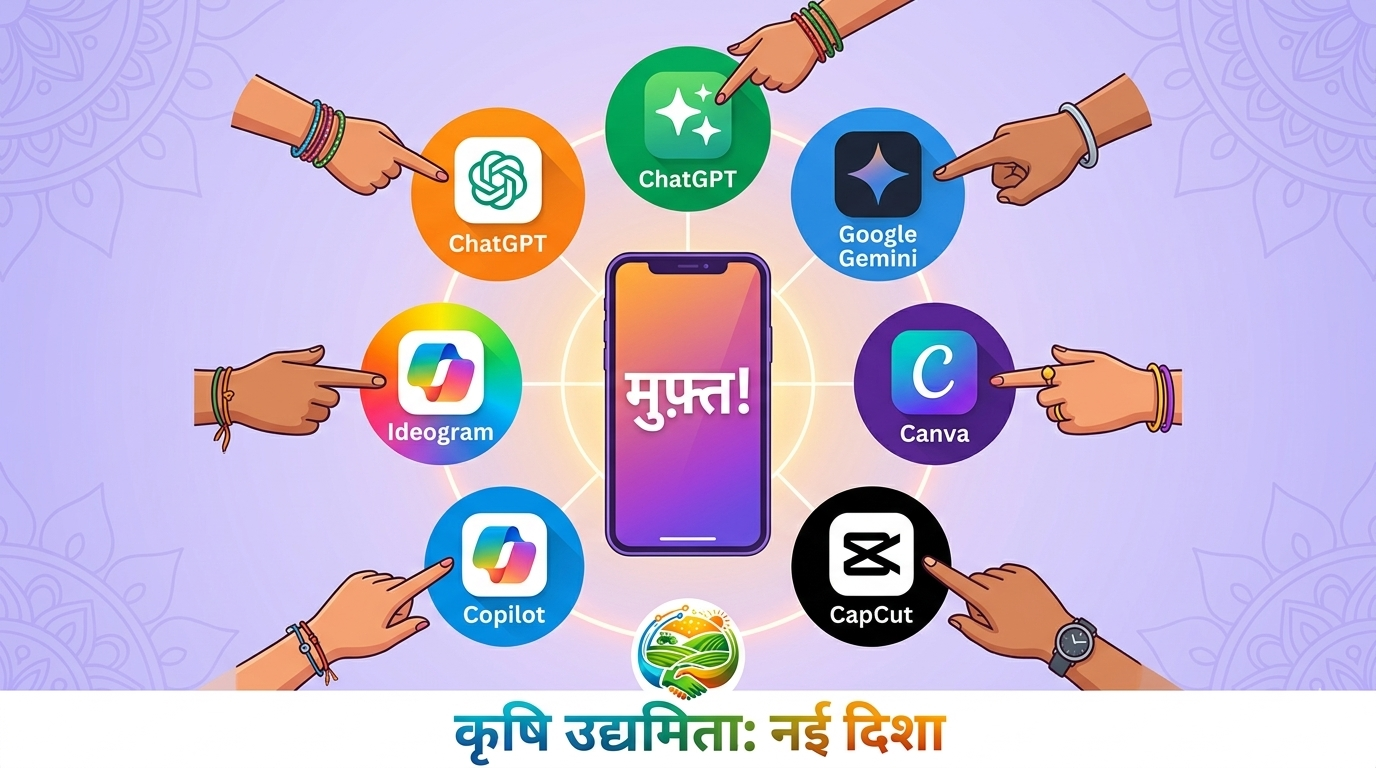
या तिन्ही tools ला तुम्ही तुमच्या phone वरून चालवू शकता. कोणताही special phone लागत नाही — normal Android phone चालतो!
Play Store / App Store वरून ChatGPT app पण download करता येतं — तसं जास्त सोपं पडतं. Search करा "ChatGPT by OpenAI" आणि install करा.
चला ना, आत्ताच try करूया. खालचं prompt copy करा आणि ChatGPT किंवा Gemini मध्ये paste करा:
"माझं नाव [तुमचं नाव] आहे. मी [तुमचं गाव/शहर] मध्ये राहतो. मला Instagram साठी एक reel script पाहिजे जे माझ्या गावातल्या एका दुकानाबद्दल आहे. Tone friendly आणि desi ठेवा."
समजा तुम्ही type केलं: "माझं नाव राहुल आहे. मी सातारा मध्ये राहतो. मला Instagram साठी एक reel script पाहिजे जे माझ्या गावातल्या एका मिसळ दुकानाबद्दल आहे. Tone friendly आणि desi ठेवा."
AI तुम्हाला 30 second चं ready-made script लिहून देईल — hook, body, CTA सगळ्यासकट!
AI चं output तुम्ही तसंच copy-paste करू नका. ते तुमच्या भाषेत, तुमच्या style मध्ये adjust करा. AI ला base म्हणून वापरा — final touch तुमचा असला पाहिजे!
आत्ताच ChatGPT किंवा Gemini open करा आणि वरचं prompt type करा. तुम्हाला जो output येईल तो WhatsApp group मध्ये share करा. बघूया कुणाला सगळ्यात भारी script मिळतं!
Chapter 02
आता तुम्हाला ChatGPT/Gemini कसं वापरायचं ते माहीत आहे. पण खरा power कुठे आहे? — prompts मध्ये! तुम्ही AI ला जेवढं detail सांगाल, तेवढा चांगला output मिळेल. जसं तुम्ही दुकानदाराला सांगता "मला लाल color चा, cotton चा, M size चा shirt दाखवा" — तसंच AI ला पण specific सांगायचं.
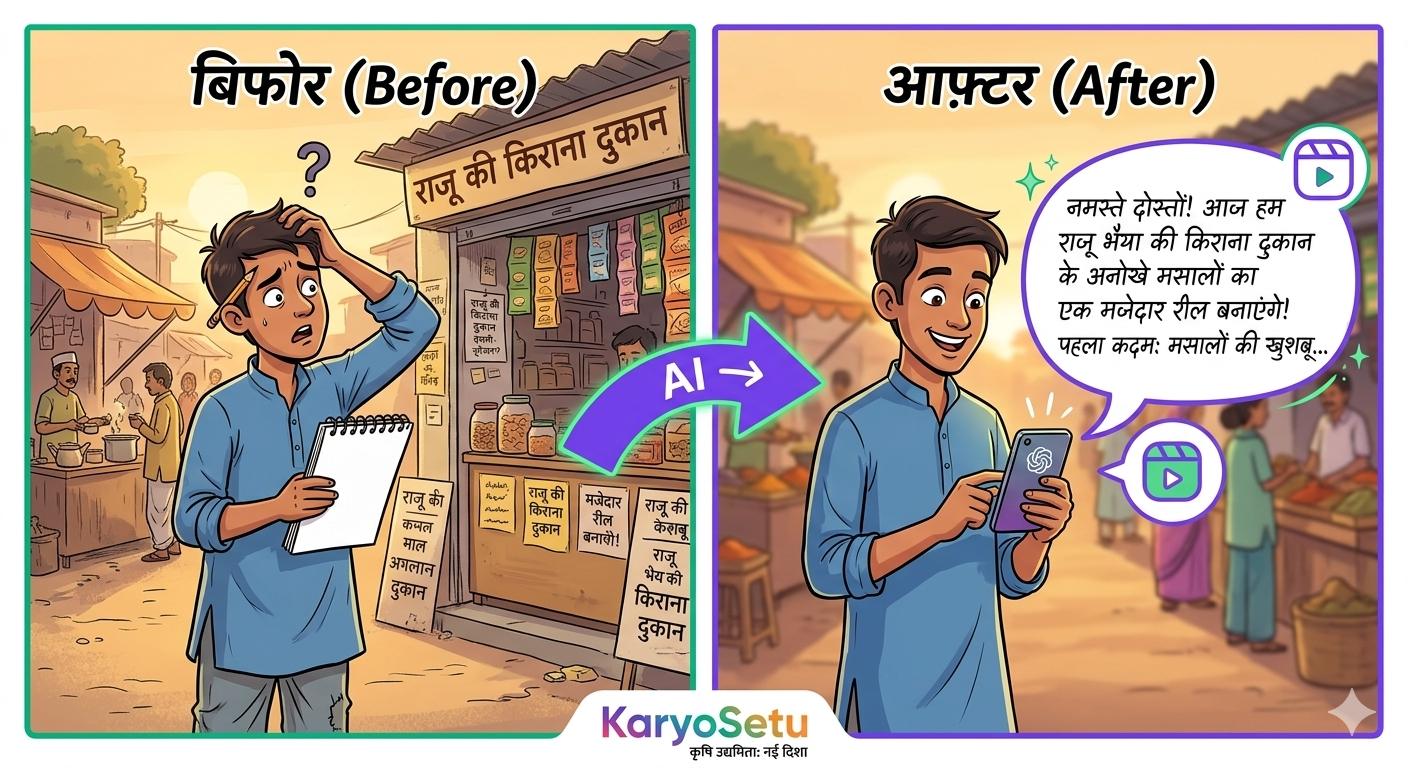
तुम्ही दुकानदाराकडे जाता, त्यांचं दुकान बघता — आता त्या दुकानाबद्दल reel बनवायचं असेल तर AI ला सांगा:
"मला एक 30-second Instagram reel script पाहिजे. Topic: [दुकानाचं नाव] जे [काय विकतात] विकतं, [किती वर्षं] पासून. ते [गाव/शहर] मध्ये आहे. Tone: friendly, desi, Marathi+Hindi mix. शेवटी KaryoSetu app mention करा referral code STAR-XXX-YYY सोबत. Hook line भारी असली पाहिजे जी लोकांना थांबवेल."
Hook: "सातारा मध्ये एक दुकान आहे जिथे मिसळ खाल्ली तर बाकी सगळी विसराल!"
Body: "हे आहे शिवराज मिसळ भांडार — ३० वर्षांपासून गावातले लोक इथे येतात. त्यांचं secret? — ताज्या मसाल्याचा तर्री! आणि आता हे दुकान KaryoSetu app वर पण आहे."
CTA: "तुम्ही पण तुमचं दुकान app वर आणा — link bio मध्ये आहे. Code STAR-RAH-SAT वापरा!"
KaryoSetu app चं एखादं feature explain करायचं असेल, AI ला सांगा:
"मला एक 30-second tutorial reel script लिहा. Topic: KaryoSetu app वर [feature name] कसं वापरायचं ते explain करा. भाषा simple Marathi ठेवा, जसं मित्राला सांगतोय तसं. Steps clear असले पाहिजेत."
"मला 5 short business tip reels चे scripts लिहा. प्रत्येक reel 20-30 seconds ची. Topics: छोट्या दुकानदारांसाठी useful tips — जसं कसं WhatsApp वापरून customers वाढवायचे, कसं photos काढायचे, pricing कशी ठरवायची. Tone: भारी, practical, desi Marathi."
"मला एक success story reel script लिहा. Details: [व्यक्तीचं नाव] [गाव] मधले आहेत. ते [काय करतात] करतात. त्यांनी KaryoSetu app वापरून [काय achieve केलं] केलं. Emotional आणि inspiring tone ठेवा. शेवटी CTA: 'तुम्ही पण सुरुवात करा!'"
"मला 10 Instagram reel ideas द्या एका किराणा दुकानाबद्दल जे गावात आहे. Ideas practical, creative, आणि viral होण्यासारख्या असल्या पाहिजेत. प्रत्येक idea ला एक catchy hook line पण लिहा."
AI ला जास्त details द्या = चांगला output मिळेल! "Script लिहा" पेक्षा "30 second चं Marathi+Hindi reel script लिहा, सातारा मधल्या मिसळ दुकानाबद्दल, friendly tone मध्ये, hook line सोबत" — हे लिहिलं तर output 10x चांगला येतो.
पहिल्यांदा जो output येतो तो perfect नसतो — ते normal आहे! तुम्ही AI ला reply करून सांगू शकता:
AI ला तुम्ही जेवढं feedback द्याल, तेवढा तो सुधारतो. मित्रासारखं काम करतो!
AI वापरून 3 वेगवेगळ्या दुकानांसाठी reel scripts लिहा:
तिन्ही scripts WhatsApp group मध्ये share करा!
Chapter 03
तुमचं Instagram profile म्हणजे तुमचं digital visiting card. कोणी तुमच्या profile वर आला तर 3 seconds मध्ये त्याने ठरवायचं — "Follow करू का नको?" तर profile भारी असलं पाहिजे. AI तुम्हाला यात खूप help करू शकतो!
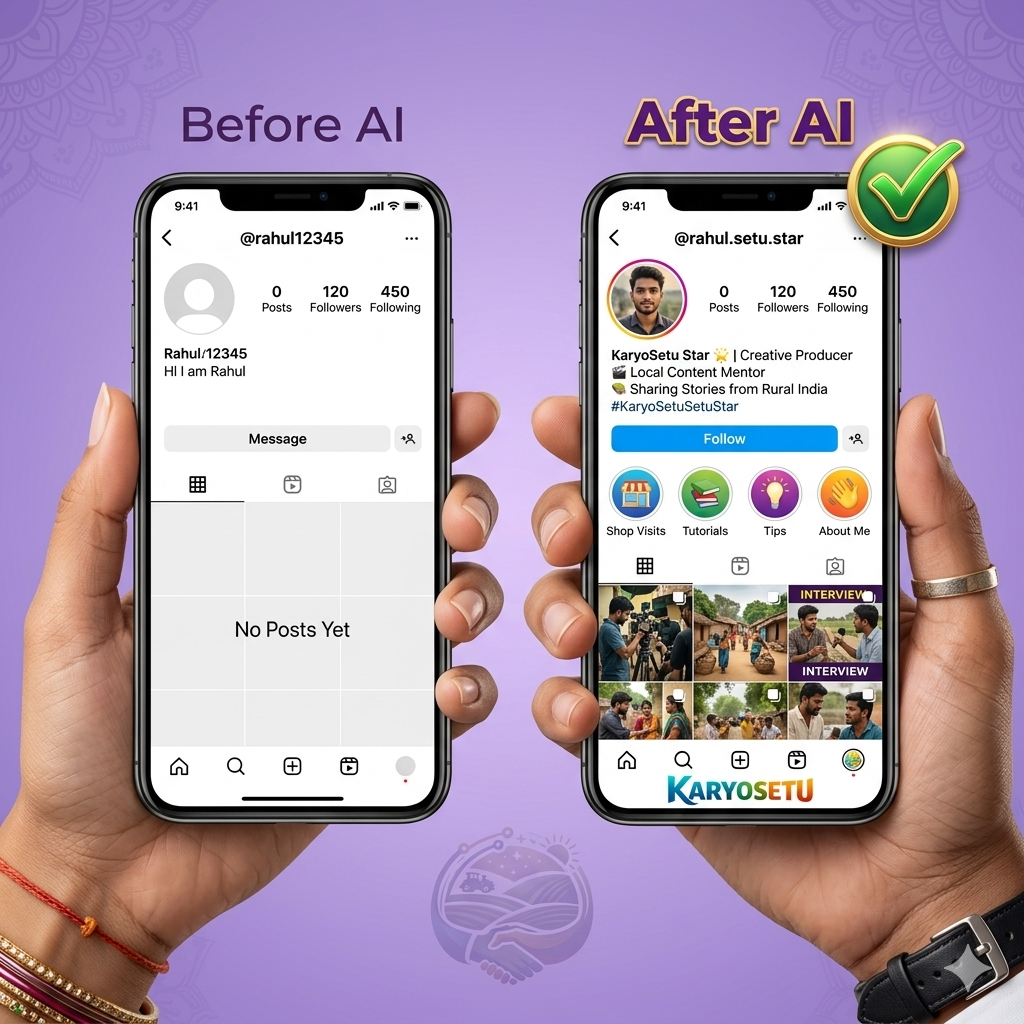
तुम्हाला Instagram bio लिहायचं असेल — AI ला तुमची details सांगा, तो 5 bio options देतो. Choose करा जी आवडेल.
"मला Instagram साठी 5 bio options लिहा. माझं नाव [नाव] आहे. मी [गाव/शहर] मधला/मधली आहे. मी सेतु स्टार आहे — KaryoSetu app चा content creator. मी [area — जसं food, fashion, agriculture] मध्ये reels बनवतो. Tone: friendly, confident, desi. Emojis वापरा. शेवटी referral link add करा."
Option 1: 🌟 सातारा चा सेतु स्टार | गावातल्या भारी दुकानांचा शोध 🔍 | Reels बघा, दुकानं शोधा 📱 | KaryoSetu वर या 👇
Option 2: ⭐ तुमच्या गावातलं सगळं एका app वर! | सेतु स्टार — सातारा 📍 | दुकानं • Tips • Offers | Link खाली 👇
"मला Instagram username ideas द्या. माझं नाव [नाव] आहे, मी [गाव] मधला आहे. मी food आणि local business content बनवतो. Username catchy, short, आणि easy to remember असलं पाहिजे. 10 options द्या."
satara_star_rahul, rahul_setu_star, desi_biz_satara, gavchi_reel, local_star_rahul, setu_rahul_SAT, satara.foodie.star...
AI ला सांगा तुमचा niche काय आहे, तो complete month चा content calendar बनवून देतो — कधी कुठली reel बनवायची, कुठल्या topic वर.
"मला एक monthly Instagram content calendar बनवून दे. मी सेतु स्टार आहे, [area] मध्ये काम करतो. मला week मध्ये 4 reels post करायच्या आहेत. Content types: Shop Spotlight, Tutorial, Business Tips, Success Stories, Behind the Scenes. प्रत्येक दिवसासाठी topic आणि reel idea लिहा."
"मला Instagram hashtags द्या [area/niche] content साठी. Mix करा: 10 popular hashtags (high reach), 10 medium hashtags, आणि 10 niche-specific hashtags. सगळे copy-paste ready format मध्ये द्या."
Popular: #foodie #indianfood #streetfood #foodblogger #instafood
Medium: #maharashtrianfood #marathifood #localfood #desifoodie #gavchijewani
Niche: #satarafood #karyosetu #setustar #gavchidukaan #localshops
AI ने दिलेले hashtags एका Notes app मध्ये save करा. प्रत्येक reel पोस्ट करताना तिथून copy-paste करा — time वाचतो!
Chapter 04
Reels बनवणं important आहे — पण भारी thumbnails, posters, आणि graphics बनवणं पण तेवढंच important आहे. आता AI tools मुळे हे सगळं free मध्ये करता येतं — कुठलीही design skills नसल्या तरी!
Canva हे एक online design tool आहे. Instagram posts, stories, thumbnails — सगळं इथे बनवता येतं. Templates ready-made आहेत, तुम्हाला फक्त text आणि photos बदलायचे!
| Feature | काय करतो | कसं वापरायचं |
|---|---|---|
| Magic Write | Text generate करतो — captions, taglines | Text box मध्ये "/magic" type करा |
| Text to Image | तुम्ही describe करा, image बनतो | Apps → Text to Image |
| Background Remover | Photo चा background काढतो | Photo select → Edit → BG Remover |
| Magic Resize | एक design different sizes मध्ये convert | Resize बटण → Size choose करा |
एखादी specific image बनवायची असेल — जसं दिवाळी sale चा poster, दुकानाचं creative graphic — तर AI image generators वापरा:
| Tool | Website | किती Free | Best For |
|---|---|---|---|
| Ideogram | ideogram.ai | दिवसाला 10 free images | Text असलेल्या images, logos |
| Bing Image Creator | bing.com/images/create | Unlimited (slow queue) | Creative, artistic images |
"Create a colorful Indian shop poster for a grocery store called 'Shivaji Kirana'. Include text: 'Now on KaryoSetu App!' Style: vibrant, Bollywood-inspired, festive. Include grocery items like rice bags, spices, oil bottles."
"Create a Diwali greeting poster with text 'Happy Diwali! Visit [Shop Name] on KaryoSetu App'. Style: warm colors, diyas, rangoli border, Indian festive theme. Professional and attractive."
"Create a bold, eye-catching graphic with text 'Use Code: STAR-XXX-YYY' and 'Download KaryoSetu App Now'. Purple and orange color theme, modern, clean. Add a star emoji and phone icon."
Image generation prompts English मध्ये लिहा — AI ला English prompts जास्त चांगले समजतात images बनवताना. Text content तुम्ही Marathi/Hindi ठेवू शकता.
AI generated images मध्ये कधी कधी text चुकीचं दिसतं. Images download केल्यावर एकदा check करा — text बरोबर आहे का ते बघा. गरज पडली तर Canva मध्ये text वेगळा add करा.
AI tools वापरून 3 images/graphics बनवा:
सगळे group मध्ये share करा!
Chapter 05
अरे, video editing म्हणजे काही मोठं काम नाही! आजकाल AI tools इतके भारी आहेत की तुम्ही 5 minutes मध्ये professional-looking video बनवू शकता. सगळ्यात important tool? CapCut — हे free आहे आणि एकदम powerful!
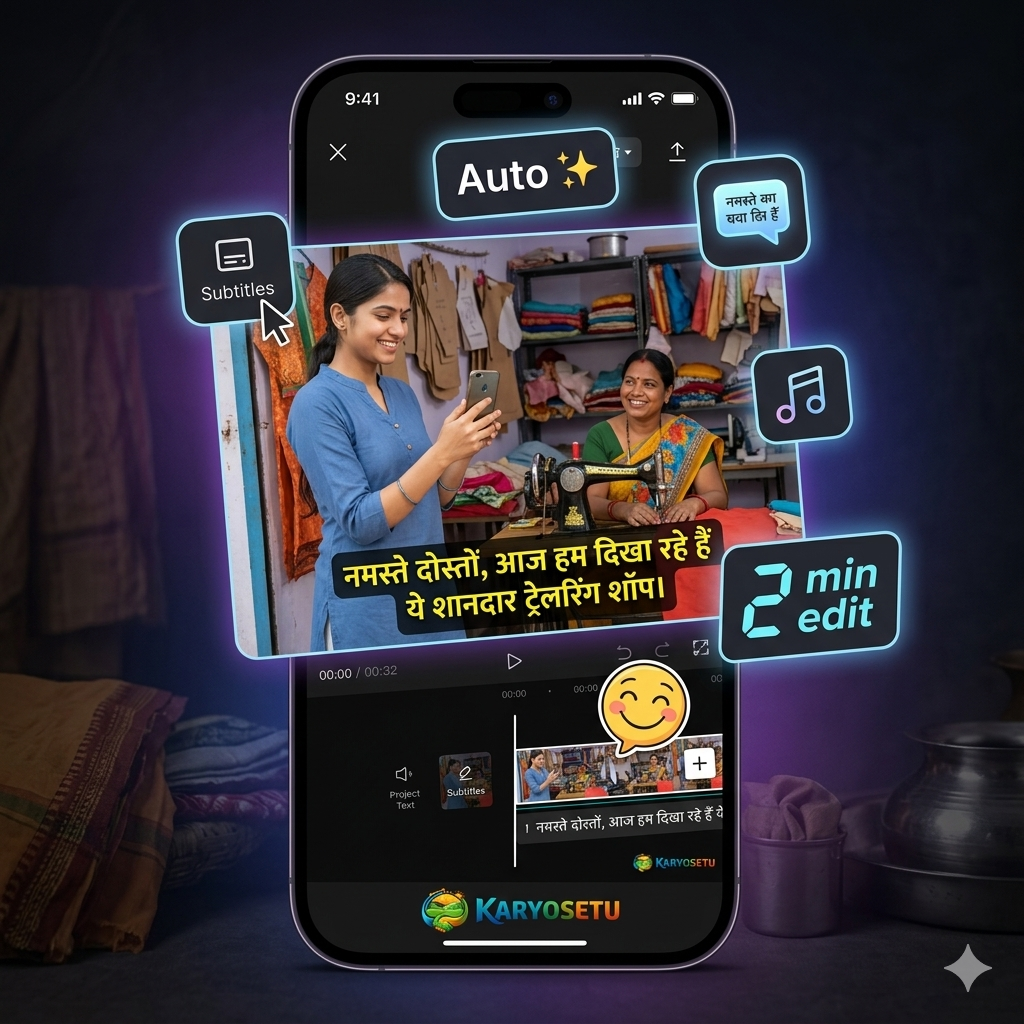
CapCut हे TikTok/Instagram creators चं favourite tool आहे. Play Store वर free available आहे. यात AI features इतके भारी आहेत की तुम्हाला editing शिकायची गरज नाही — app करतो!
| Feature | काय करतो | कसं वापरायचं | का Important |
|---|---|---|---|
| Auto Captions | तुमच्या video मध्ये automatic subtitles add करतो | Video import → Text → Auto Captions | Hindi/Marathi content ला HUGE boost — लोक mute वर पण बघू शकतात |
| Background Remover | Video चा background काढतो | Video select → Cutout → Auto | Messy background असलं तरी clean video बनतो |
| Templates | Ready-made trending templates | Templates tab → Choose → Photos/clips add करा | Trending style मध्ये video बनतो 2 minutes मध्ये |
| AI Voiceover | Text लिहा, AI voice बोलतो | Text → Text to Speech → Voice choose करा | Camera-shy असाल तर AI voice वापरा |
| Text to Speech | Written script ला audio मध्ये convert | Text add → TTS बटण → Language select करा | Voiceover record करायला वेळ नसेल तेव्हा useful |
CapCut जास्त complex वाटत असेल तर InShot वापरा — हे एकदम simple आहे. Video trim करायचं, music add करायचं, text टाकायचा — बस, एवढंच!
बघा, एक reel बनवायला एवढं करायचं — 10-15 minutes लागतात max:
बघा, Instagram वर 80% लोक reels mute वर बघतात. म्हणजे तुम्ही बोलताय ते ऐकत नाहीत — वाचतात! म्हणून auto captions (subtitles) add करणं सगळ्यात important आहे. CapCut हे एका click मध्ये करतो.
Simple ठेवा! जास्त effects, transitions, stickers टाकल्यास video distracting होतो. Focus content वर असलं पाहिजे — editing वर नाही. Best reels simple असतात — clean shots + auto captions + trending music = भारी reel!
Before (without AI): Raw video → No subtitles → No music → 10 views 😔
After (with CapCut AI): Clean video → Auto captions → Trending music → 500+ views! 🎉
Chapter 06
AI फक्त scripts आणि images बनवत नाही — तो तुमचा planning partner पण आहे. तुम्हाला ideas नाही सुचत? AI ला विचारा. Reply कसं द्यायचं ते कळत नाही? AI ला विचारा. दुकानदार नाही म्हणाला? AI ला विचारा काय बोलू पुढे. चला बघूया कसं.
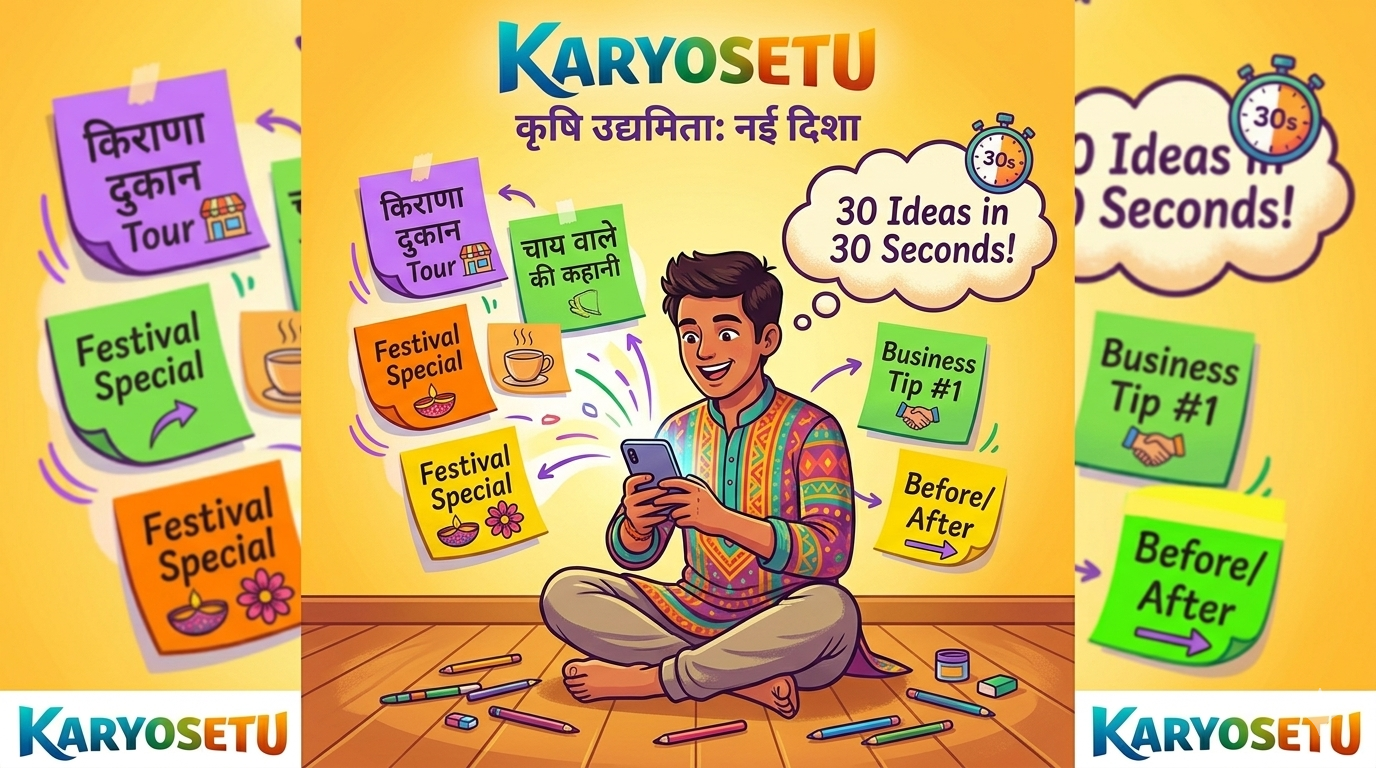
"आज काय reel बनवू?" — हा प्रश्न रोज पडतो. AI कडून bulk ideas मिळवा:
"मला 30 Instagram reel ideas द्या. मी सेतु स्टार आहे, [area/शहर] मध्ये काम करतो. Content types: Shop Spotlight, Tutorial, Business Tips, Success Stories, Behind the Scenes. प्रत्येक idea ला short description आणि hook line लिहा. Ideas unique आणि viral-worthy असल्या पाहिजेत."
"मला एक weekly content calendar बनवा. Monday ते Sunday — प्रत्येक दिवसाला: Reel topic, Content type (Shop Spotlight/Tutorial/Tips/Story/BTS), Hook line, आणि Best time to post. मी [area] मधला सेतु स्टार आहे."
Monday: Shop Spotlight — "या बेकरीचा cake खाल्ला का?" (Post: 12 PM)
Tuesday: Tutorial — "KaryoSetu वर listing कशी करायची — 3 steps" (Post: 6 PM)
Wednesday: Business Tips — "दुकानाचे 3 photos असे काढा" (Post: 12 PM)
Thursday: Behind the Scenes — "मी reel कशी बनवतो — BTS" (Post: 7 PM)
Friday: Shop Spotlight — "गावातल्या या tailor ची कमाल!" (Post: 12 PM)
Saturday: Success Story — "या भाजी विक्रेत्याने app वापरून काय केलं?" (Post: 11 AM)
Sunday: Fun/Engagement — "तुमच्या गावातलं best दुकान tag करा!" (Post: 10 AM)
Instagram वर लोक DM करतात, comments करतात — तुम्हाला professional reply द्यायला पाहिजे. AI कडून ready-made replies मिळवा:
"मला Instagram DMs आणि comments साठी 10 reply templates लिहा. Scenarios: कोणी विचारतो 'KaryoSetu काय आहे?', कोणी विचारतो 'माझं दुकान कसं add करू?', कोणी comment करतो 'Nice reel!', कोणी negative comment करतो. Replies friendly, helpful, आणि short ठेवा. Marathi+Hindi mix."
दुकानदाराने "नाही" म्हणालं? घाबरू नका — AI ला विचारा काय बोलायचं:
"मी दुकानदारांना KaryoSetu app वर listing करायला सांगतो. काही common objections आहेत: 'मला technology कळत नाही', 'मला गरज नाही', 'ऑनलाइन ने काय होणार', 'पैसे लागतात का?', 'वेळ नाही'. प्रत्येक objection साठी 2-3 line चा polite, convincing response लिहा. Marathi मध्ये, conversational tone."
दुकानदार: "मला technology कळत नाही."
तुम्ही: "काका, काही tension नाही! मी सगळं करतो — तुम्हाला फक्त 2 photos आणि दुकानाचं नाव सांगा. 5 minutes मध्ये होतं. आणि एकदा listing झाली की तुम्हाला काहीही करायला नको — लोक app वर बघतात तुमचं दुकान!"
"पुढच्या [festival — दिवाळी/गणपती/ईद] साठी मला 7 दिवसांचा content plan बनवा. मी सेतु स्टार आहे. Plan मध्ये include करा: festival wishes posts, दुकानदारांचे special offers promote करणारे reels, festival-themed tutorials, engagement posts. प्रत्येक दिवसाला topic, format (reel/post/story), आणि caption idea लिहा."
AI ला तुम्ही एक भाषेत content द्या, तो दुसऱ्या भाषेत translate करतो. Marathi ला Hindi मध्ये, English मध्ये — easy!
"हा Marathi text Hindi मध्ये translate करा: [तुमचा text]. Tone casual ठेवा, formal translation नको. जसं मित्राला सांगतोय तसं."
AI हा एक tool आहे — तुमचा assistant. तो तुमच्यासाठी काम सोपं करतो, पण final decision तुमचा असतो. AI चं output बघा, edit करा, तुमचा personal touch add करा — मग publish करा. AI + तुमची creativity = भारी content!
AI वापरून complete 2-week content plan बनवा:
Assessment
बघूया तुम्ही किती शिकलात! खालच्या प्रश्नांची उत्तरं द्या:
उत्तर: ChatGPT, Google Gemini, आणि Bing Copilot.
उत्तर: AI ला जास्त details / specific information देणं. (जेवढं detail = तेवढा चांगला output)
उत्तर: Auto Captions — कारण 80% लोक reels mute वर बघतात, subtitles मुळे content वाचता येतो.
उत्तर: Instagram posts, shop posters, festival greetings, referral code graphics, thumbnails, story templates (कुठलेही 3 बरोबर).
उत्तर: नाही — AI चा output base म्हणून वापरावा, पण तो edit करून, personal touch add करून, तुमच्या style मध्ये adjust करून मगच publish करावा.
Homework
हे सगळं complete करा — प्रत्येक task important आहे. Screenshots/outputs WhatsApp group मध्ये share करा.
Module 9 पूर्ण झालं — अभिनंदन! 🎉 आता हे करा:
AI तुमचा assistant आहे — तुम्ही creator आहात! AI + तुमची creativity = भारी content. चला सुरुवात करूया! 🤖⭐