AI = Artificial Intelligence. But forget those big English words. Think of it like this — AI is a smart assistant that lives inside your phone. You talk to it, ask it questions, and it gives you answers. That's it. No rocket science.
Let's get one thing straight — AI is not some sci-fi robot that's going to take over the world. It's a tool. Just like your phone camera is a tool, just like WhatsApp is a tool, AI is a tool that helps you do things faster and better.
Think of AI as a really smart friend who:
But here's the important part — AI helps you, it doesn't replace you. You still need your own ideas, your own personality, your own style. AI just makes the work faster.
A calculator doesn't replace a shopkeeper's brain — it just makes adding numbers faster. Similarly, AI doesn't replace your creativity — it just helps you express it faster and better.
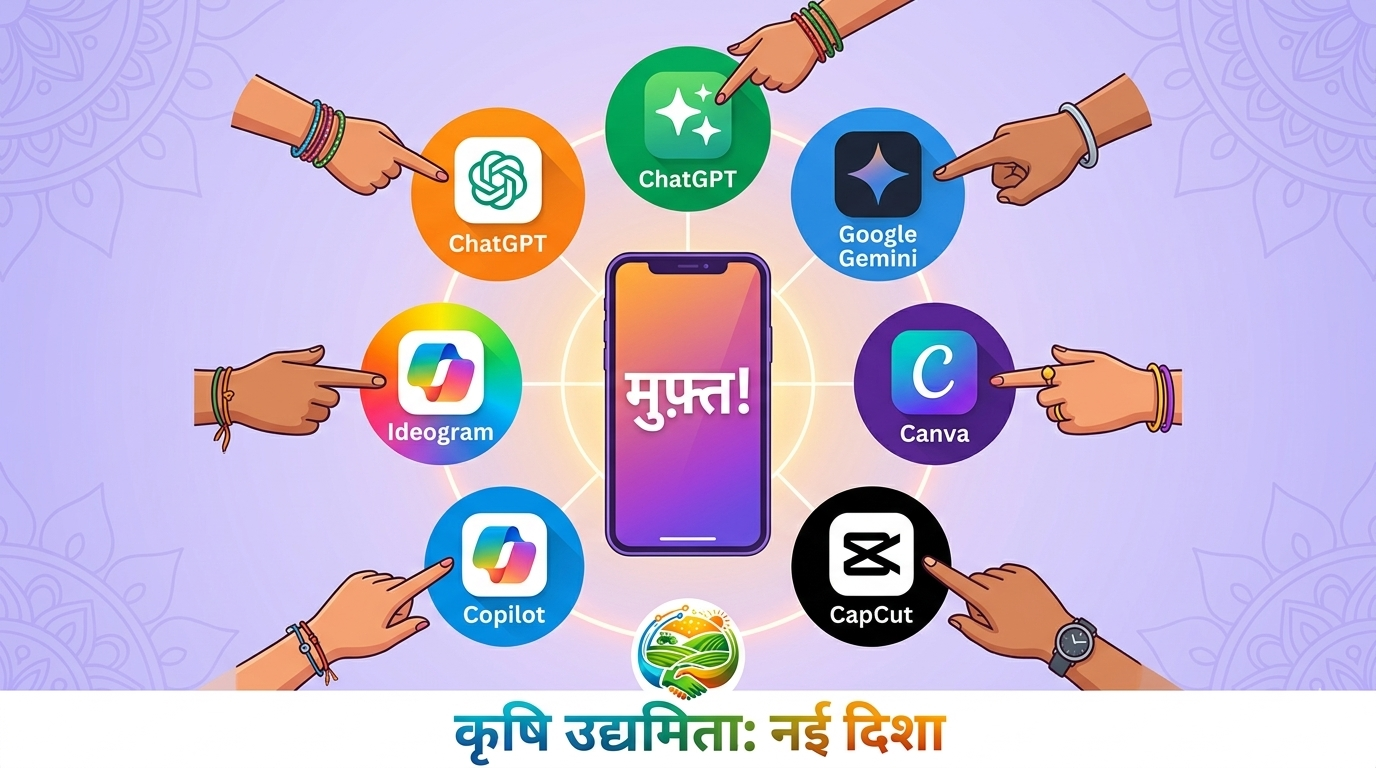
The best part? All of these tools are completely free on your phone. You don't need a computer, you don't need to pay anything.
| Tool | What It Does | How to Open | Best For |
|---|---|---|---|
| ChatGPT | Writes scripts, answers questions, brainstorms ideas | Google "ChatGPT" → Open → Sign up free with Google account | Script writing, planning, ideas |
| Google Gemini | Same as ChatGPT, made by Google | Google "Gemini" → Open → Already works with your Google account | Quick answers, Hindi support |
| Microsoft Copilot | AI chat + can create images too | Google "Copilot" → Open → Sign in with any email | Scripts + image creation |
| Canva | Design graphics, posters, thumbnails | Download Canva app from Play Store → Sign up free | Instagram posts, thumbnails |
| CapCut | Edit videos with AI features | Download CapCut from Play Store → Open → Start editing | Auto-captions, video editing |
Let's start with ChatGPT (you can do the same with Gemini or Copilot):
You can also download the ChatGPT app from Play Store — it's faster and you can even talk to it using voice. Same with the Google Gemini app.
Now that you've opened the tool, let's have a real conversation with AI. Don't overthink it — just talk to it like you'd talk to a friend.
"Hi! My name is [your name]. I'm from [your village/town]. I'm a Setu Star content creator for KaryoSetu app. I make Instagram reels to promote local shops and businesses. Can you help me with my content?"
The AI will respond warmly and ask how it can help. From here, you can ask it anything — script ideas, caption suggestions, hashtags, tips, literally anything.
Priya from Jaunpur had never used AI before. She opened ChatGPT, typed "I need a reel script about a samosa shop in my village" — and within 10 seconds, she had a full 30-second script ready. She recorded the reel in one take. It got 2,400 views. She said — "It felt like having a scriptwriter sitting next to me!"
AI is smart, but it's not perfect. It can sometimes make mistakes or give wrong information. Always read what AI writes and make changes if something doesn't sound right. YOU are the boss — AI is just your assistant.
1. Open ChatGPT or Google Gemini on your phone
2. Sign up (it's free, takes 1 minute)
3. Type this: "My name is [your name], I'm a Setu Star from [your area]. I need a reel script for a [type of shop] in my village."
4. Read the response — was it helpful?
5. Screenshot the conversation and share it in the WhatsApp group
This is where AI becomes your secret weapon. Instead of staring at your phone for 30 minutes thinking "what should I say in this reel?", you ask AI — and boom, you have a full script in seconds.
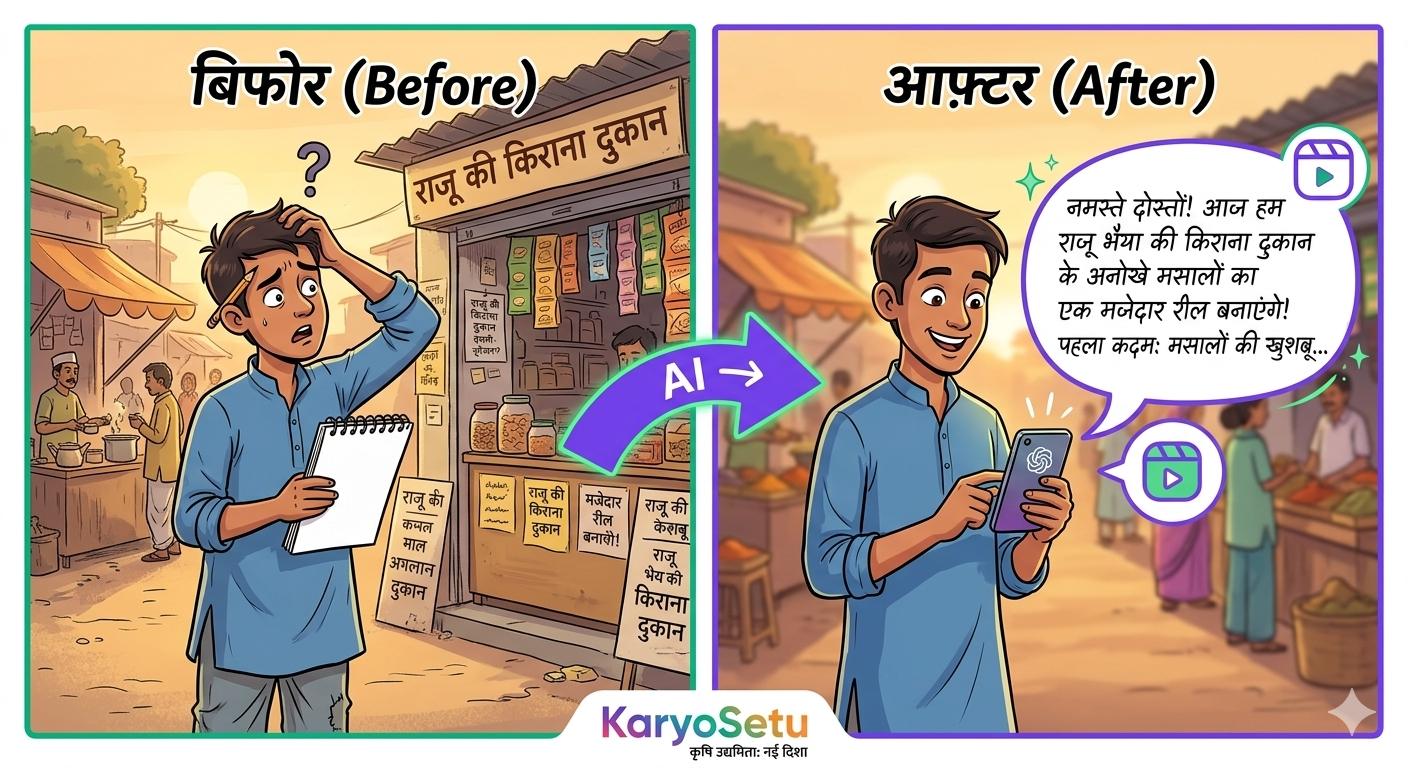
Shop Spotlight is one of your most important content pillars. You visit a local shop, shoot a reel about it, and get referrals. But the biggest challenge? Knowing what to say. AI solves this.
Here's exactly what to do:
"I need a 30-second Instagram reel script in Hindi/English mix. Topic: A shop called [SHOP NAME] in [VILLAGE/TOWN NAME] that sells [PRODUCTS/SERVICES]. They've been running for [X years]. Something special about them: [ANY UNIQUE DETAIL — e.g., 'they make fresh samosas every morning at 6 AM']. Tone: friendly, desi, engaging — like talking to a friend. At the end, mention KaryoSetu app and my referral code STAR-XXX-YYY. Keep it casual and fun."
You type: "Shop name: Sharma Ji Ki Chai, sells tea and snacks, running for 15 years, special: they use desi cow milk."
AI Output: "Yaar, aaj main tumhe le chalta hoon apne gaon ki sabse famous chai ki dukaan pe! Sharma Ji 15 saal se chai bana rahe hain — aur bhai, desi gaay ke doodh ki chai! Ek baar piyo toh yaad aa jaaye nani ke ghar ki chai. Aur agar tum apne area ki aise amazing dukaan dhundna chahte ho — download karo KaryoSetu app, code STAR-XXX-YYY!"
Tutorial reels show people how to use KaryoSetu features. AI can write these scripts perfectly — just tell it which feature to explain.
"Write a 30-second Instagram reel script explaining how to [FEATURE — e.g., 'list a product on KaryoSetu app']. Audience: Village shopkeepers and small sellers who aren't very tech-savvy. Language: Simple Hindi-English mix. Tone: Like a helpful friend explaining step by step. End with: 'Download KaryoSetu — link in bio!'"
"Create a short, engaging script for an Instagram reel about KaryoSetu's voice-first feature. Explain that even people who can't type can use this app — just speak and your listing is created. Keep it under 30 seconds. Language: Mix of Hindi and English. Make it relatable for village audience."
Business tips reels make you look like a knowledgeable creator. But you don't need to be a business expert — AI knows all this stuff!
"Give me a 30-second Instagram reel script with a business tip for small shopkeepers in Indian villages. Topic: [CHOOSE ONE — 'how to attract more customers', 'why having an online presence matters', 'how to manage inventory better', 'festival season tips for more sales']. Language: Simple Hindi-English mix. Tone: Like a smart friend giving advice. End with a mention of KaryoSetu app."
Got a shopkeeper who's done well on KaryoSetu? Give AI the details and get a polished story script.
"Write a 30-45 second Instagram reel script about a real success story. Details: [NAME] from [VILLAGE] who [WHAT THEY DID — e.g., 'listed his handmade chappals on KaryoSetu and got 8 orders in 2 weeks']. Before KaryoSetu: [THEIR SITUATION BEFORE]. After KaryoSetu: [HOW THINGS IMPROVED]. Make it emotional and inspiring. Language: Hindi-English mix. End with: 'Aap bhi apni kahani likh sakte ho — download KaryoSetu today!'"
Here are more ready-to-use prompts for different content types:
"Give me 10 Instagram reel ideas for a Setu Star content creator in a village. The reels should be about local shops, businesses, and the KaryoSetu app. Mix of funny, informative, and emotional content. Each idea should be 1-2 lines."
"Write an Instagram caption for my reel about [TOPIC]. Include 2-3 relevant emojis. Add a call-to-action asking people to download KaryoSetu app. Include my referral code STAR-XXX-YYY. Add 5 relevant hashtags. Keep it short and punchy."
"Give me 10 catchy hook lines (opening lines) for Instagram reels about [TOPIC]. These should grab attention in the first 2 seconds. Mix of Hindi and English. Make them dramatic, funny, or surprising."
The more detail you give AI, the better the output. Here's a cheat sheet:
| Give AI This… | And You Get… |
|---|---|
| "Write a script" | Generic, boring script |
| "Write a 30-second reel script about a chai shop in Varanasi that uses desi milk, in Hindi-English mix, funny tone" | Amazing, specific, usable script! |
| "Give me ideas" | Random, vague ideas |
| "Give me 10 Instagram reel ideas for a Setu Star in a village near Lucknow focusing on kirana stores and local artisans" | Targeted, relevant ideas you can actually use! |
Better Input = Better Output. Always tell AI: (1) What you want, (2) Who it's for, (3) What language/tone, (4) How long, and (5) Any specific details. The more you tell it, the better it helps you.
1. Think of 3 real shops/businesses in your area
2. Open ChatGPT or Gemini
3. Use the Shop Spotlight prompt template for each shop
4. Get 3 complete reel scripts
5. Read them aloud — do they sound natural? If not, ask AI to "make it more casual" or "add more humour"
6. Save these scripts — you'll use them to record reels!
Your Instagram profile is your digital visiting card. When someone lands on your profile, they decide in 3 seconds whether to follow you or not. Let AI help you make those 3 seconds count.
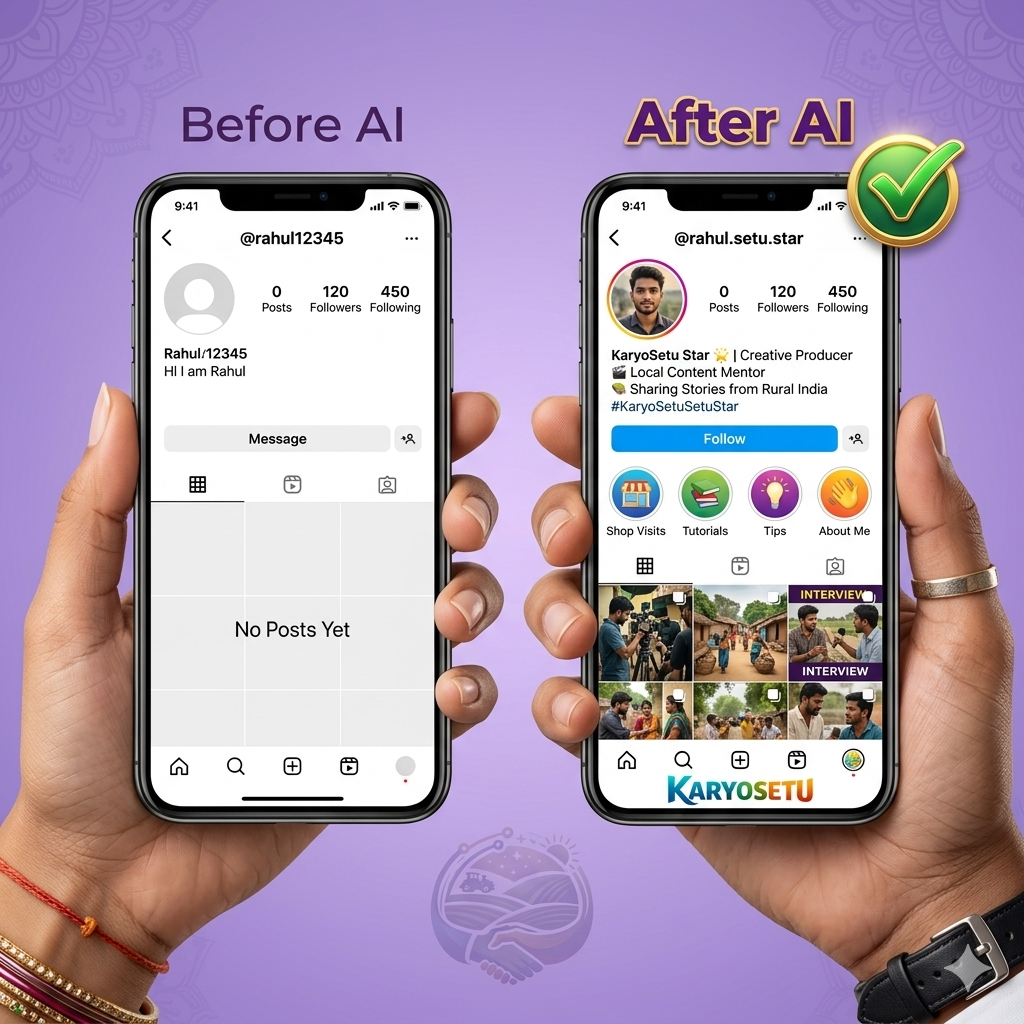
Your Instagram bio is the most important text on your profile. It tells people who you are, what you do, and why they should follow you. But writing a good bio is hard — let AI do it!
"My name is [NAME]. I'm from [VILLAGE/TOWN, DISTRICT, STATE]. I'm a KaryoSetu Setu Star — I create Instagram content promoting local shops and businesses in my area. My referral code is STAR-XXX-YYY. I need 5 different Instagram bio options. Requirements: Professional but with a desi feel. Include 2-3 emojis. Mention KaryoSetu. Include my referral code. Under 150 characters each. Mix of Hindi and English."
Here's what AI might give you:
Struggling with a username? AI can suggest creative ones.
"I need 15 creative Instagram username ideas. My name is [NAME], I'm from [AREA], and I'm a KaryoSetu Setu Star content creator. I want something catchy, easy to remember, and professional. Mix some Hindi words too. Don't use too many numbers or underscores."
One of the hardest things about content creation is knowing what to post and when. AI can plan your entire month in 2 minutes.
"Create a 30-day Instagram content calendar for a Setu Star content creator. Area: [YOUR AREA]. Content pillars: (1) Shop Spotlights, (2) Tutorial reels about KaryoSetu, (3) Business tips for small shopkeepers, (4) Success stories, (5) Fun/trending content with local twist. Post frequency: 1 reel per day. Format: Day number, content type, brief reel idea, best posting time. Include any upcoming festivals or events in [MONTH]."
After AI gives you the calendar, save it in your phone's Notes app. Check it every morning — "Oh, today I need to do a Shop Spotlight of the chai shop." No more confusion about what to post!
Hashtags help your reels reach more people. But which hashtags work best? Ask AI!
"Give me 30 Instagram hashtags for a village content creator from [YOUR AREA/STATE]. I create reels about local shops, businesses, and the KaryoSetu app. Mix of: (1) Popular hashtags (high reach), (2) Niche hashtags (less competition), (3) Location-specific hashtags, (4) Hindi hashtags. Group them into sets of 10 that I can copy-paste for different types of posts."
Set 1 (Shop Spotlight): #LocalShop #VocalForLocal #GaonKaDukaan #ShopLocal #SmallBusiness #SupportLocal #KaryoSetu #SetuStar #VillageVibes #DesiBusiness
Set 2 (Tutorial): #AppTutorial #TechInVillage #DigitalIndia #DigitalVillage #HowTo #AppReview #KaryoSetuApp #SetuStarLife #LearnWithMe #TechTips
Set 3 (Business Tips): #BusinessTips #ShopkeeperLife #SmallBusinessTips #DukaanDar #EntrepreneurIndia #GrowYourBusiness #VillageEntrepreneur #BusinessGrowth #DesiBusiness #ShopkeeperTips
1. Use the Bio Generator prompt — pick your favourite bio from the 5 options
2. Use the Username Generator if you need a new username
3. Generate your hashtag sets — save 3 sets in your Notes app
4. Update your Instagram profile with the new bio
5. Screenshot your updated profile and share in the WhatsApp group
Good visuals = more views. You don't need to be a designer — AI tools make anyone look like a pro graphic designer. And they're all free!
Canva is THE app for creating beautiful graphics. It has thousands of free templates, and you can make professional-looking posts in minutes.
| Content Type | Canva Template to Search | Use Case |
|---|---|---|
| Shop Poster | "Shop promotion" or "Store flyer" | Promote a shop you visited |
| Reel Cover/Thumbnail | "Instagram reel cover" | Make your reel grid look professional |
| Story Announcement | "Instagram story announcement" | Announce a new shop listing |
| Festival Post | "Diwali poster" or "Holi wishes" | Festival greetings with your branding |
| Referral Code Card | "Business card" or "Discount card" | Share your Setu Star referral code |
| Before/After | "Before after comparison" | Show a shop's digital transformation |
Canva itself has AI tools built in. These are game-changers:
Inside any Canva design, tap the "+" button → "Magic Write". Type what you want, and AI writes text for your design. Example: "Write a catchy headline for a kirana store promotion" — and it gives you options instantly.
Canva can generate images from text descriptions. Go to "Apps" → "Text to Image" → Type what you want. Example: "A colorful Indian village market with happy people shopping" — and Canva creates an image for you!
The free version of Canva is more than enough for Setu Stars. You get thousands of templates, basic AI features, and unlimited downloads. Don't waste money on Pro unless you're earning well from content creation.
Want to create unique images that nobody else has? Use AI image generators:
| Tool | How to Access | Free Limit | Best For |
|---|---|---|---|
| Microsoft Copilot | copilot.microsoft.com → Type "create an image of…" | ~15 images/day free | Realistic images, posters |
| Ideogram | ideogram.ai → Sign up free | ~10 images/day free | Text in images (great for posters with Hindi text) |
| Canva Text to Image | Inside Canva app | ~50 uses/month free | Quick graphics within your design |
"Create a vibrant, colorful poster for an Indian village shop called [SHOP NAME]. The shop sells [PRODUCTS]. Style: Festive Indian feel with marigold flowers and rangoli patterns. Include text: [SHOP NAME] in big letters. Bright colors — orange, yellow, red."
"Create a Diwali greeting image with Indian village background, diyas (oil lamps), rangoli, and text 'Happy Diwali from [YOUR NAME] — Setu Star'. Warm golden and orange colors. Traditional yet modern feel."
"Create an Instagram post image with an inspirational quote about small business growth. Background: Soft gradient with Indian patterns. Style: Clean, minimal, professional. Include the quote: '[YOUR QUOTE]'. Add 'Setu Star' watermark at bottom."
1. Open Canva and create a Shop Spotlight poster for a real shop in your area
2. Use Copilot or Ideogram to generate a unique AI image for a festival post
3. Create a referral code card in Canva with your STAR code
4. Download all 3 and post at least 1 on your Instagram story
5. Share screenshots in the WhatsApp group
You don't need to be a professional video editor. With AI-powered apps like CapCut and InShot, editing a reel takes just 5 minutes. These apps do the hard work for you.
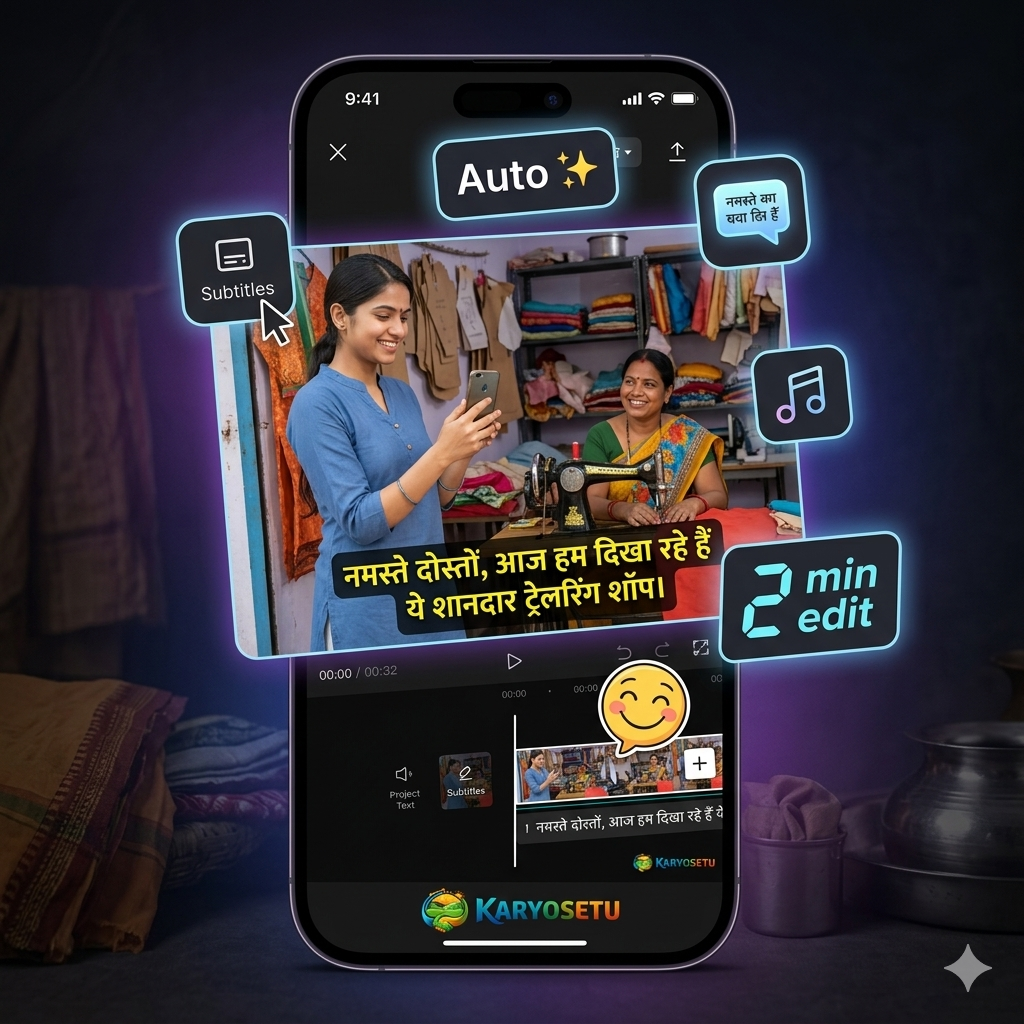
CapCut is the #1 free video editor, and it's packed with AI features that make editing ridiculously easy.
| Feature | What It Does | How to Use | Why It's Amazing |
|---|---|---|---|
| Auto Captions | Automatically adds subtitles to your video | Tap "Text" → "Auto Captions" → Select language → Generate | Most reels with captions get 40% more views |
| Background Remover | Removes background from your video | Tap your clip → "Remove BG" | Look professional without a fancy setup |
| Templates | Pre-made reel templates — just add your clips | Home screen → "Templates" → Browse → Select → Add your clips | Makes editing 10x faster |
| AI Voiceover | Converts text to natural-sounding speech | Tap "Text" → Type your script → "Text to Speech" | Perfect for tutorial reels if you're shy |
| Auto Reframe | Adjusts video to fit Instagram's 9:16 ratio | Tap "Ratio" → Select 9:16 → AI adjusts framing | No more awkward cropping |
If you learn just ONE thing from this chapter, let it be auto captions. Here's why:
Use white text with black outline — this is readable on any background. In CapCut, tap on the caption style and choose "Outline" or "Shadow" for best visibility.
If CapCut feels too complex, try InShot. It's simpler and also free.
| Feature | CapCut | InShot |
|---|---|---|
| Auto Captions | Yes (excellent) | Yes (basic) |
| Templates | Many free | Fewer templates |
| AI Features | Advanced (background removal, voiceover) | Basic |
| Ease of Use | Medium — more features, slight learning curve | Easy — very simple interface |
| Watermark | No watermark (free) | Small watermark (free) — removable by watching an ad |
| Best For | Setu Stars who want polished content | Complete beginners who want quick edits |
Here's your complete workflow from shooting to posting — takes only 5 minutes:
Biggest mistake new creators make — spending 2 hours editing a 30-second reel. Keep it simple. Auto captions + music + maybe one transition. That's it. Authenticity beats perfection. Your audience wants real, not perfect.
1. Record a quick 30-second video — introduce yourself as a Setu Star
2. Open it in CapCut
3. Add Auto Captions
4. Add a trending sound/music
5. Export and save
6. Post it on Instagram with a caption generated by AI
7. Share the reel link in the WhatsApp group
AI isn't just for scripts and images — it's your personal brainstorming partner. Stuck for ideas? Ask AI. Don't know what to post tomorrow? Ask AI. Shopkeeper said "no" to your pitch? Ask AI how to handle it. Let's see all the ways AI can help you plan and think.
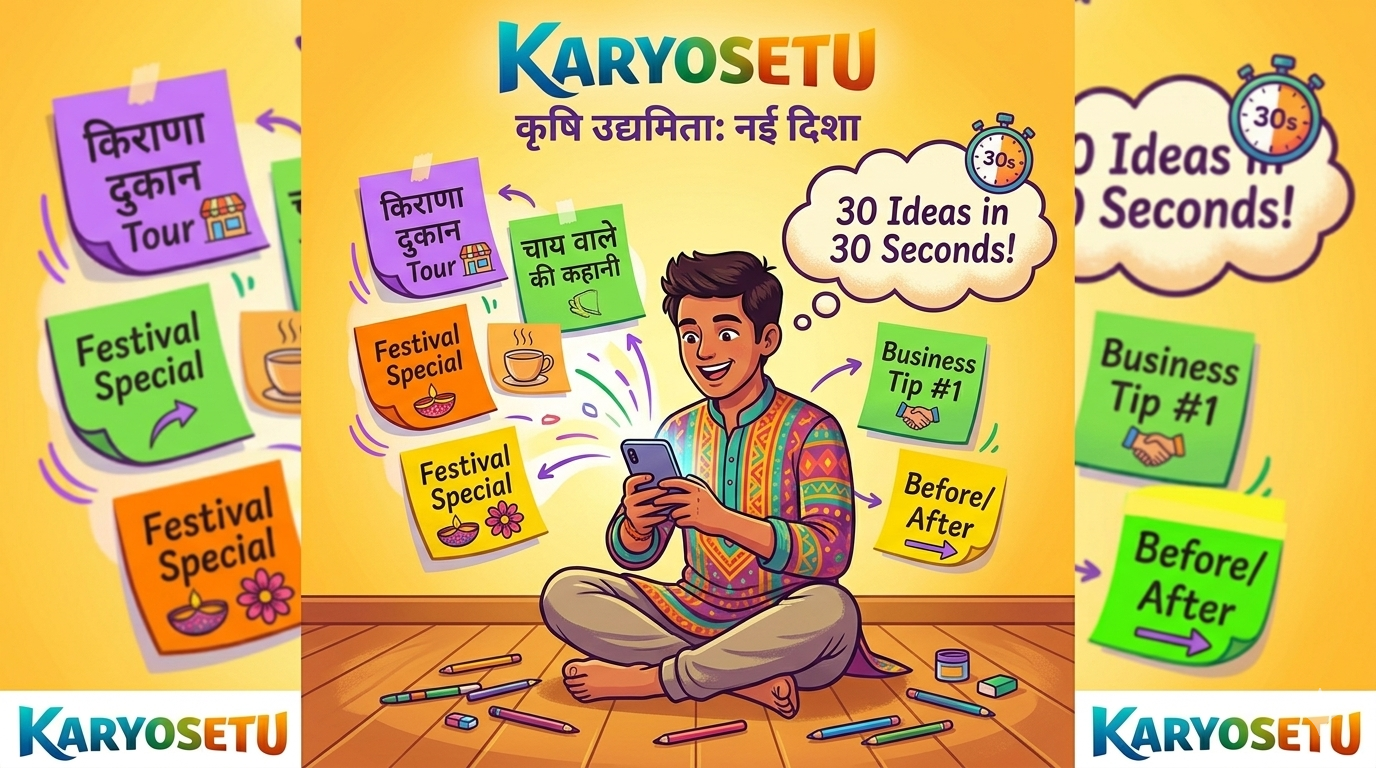
The biggest fear of every content creator: "What should I post today?" With AI, this problem disappears forever.
"Give me 30 Instagram reel ideas for a Setu Star content creator in [YOUR AREA]. I promote local shops and the KaryoSetu app. Mix of content types: (1) Shop Spotlights, (2) KaryoSetu tutorials, (3) Business tips, (4) Success stories, (5) Fun/trending content with desi twist, (6) Day-in-my-life as a Setu Star. Each idea should be 1 line with a hook suggestion."
Want a quick plan for just one week? Use this prompt:
"Create a 7-day Instagram content calendar for me. I'm a Setu Star from [AREA]. I post 1 reel per day. For each day give me: (1) Content type (Shop Spotlight / Tutorial / Business Tip / Success Story / Fun Content), (2) Specific reel idea, (3) Best time to post, (4) Caption idea. Make Monday a strong start and Friday a fun reel."
When people DM you or comment on your reels, you need to reply quickly and smartly. AI can create templates you can save and reuse.
"I'm a Setu Star content creator. Give me 10 ready-to-use reply templates for common Instagram DMs and comments. Include replies for: (1) 'What is KaryoSetu?', (2) 'How do I list my shop?', (3) 'Is it free?', (4) 'I want to become a Setu Star too', (5) 'Nice reel!', (6) 'Can you promote my shop?', (7) 'How do you earn money?', (8) 'Is this real or fake?', (9) 'Which areas does it work in?', (10) 'I don't know how to use apps'. Keep replies friendly, short, and helpful. Include my referral code STAR-XXX-YYY where relevant."
This is a super-practical use of AI. When a shopkeeper doesn't want to list on KaryoSetu, AI can help you figure out what to say.
"I'm a Setu Star trying to onboard shopkeepers to KaryoSetu app. A shopkeeper said: '[THEIR OBJECTION — e.g., I don't need online stuff, my shop runs fine]'. Give me 3 polite, convincing responses I can use. Keep it simple, respectful, and relatable. Use examples of similar shopkeepers who benefited. Language: Simple Hindi-English mix."
Festivals are goldmines for content. AI can help you plan special content for every festival.
"The festival of [FESTIVAL NAME — e.g., Diwali] is coming in [X days]. I'm a Setu Star. Give me a 5-reel content plan for [FESTIVAL NAME]. Include: (1) A festival greeting reel idea, (2) A 'festival shopping at local shops' reel, (3) A 'festival business tips' reel, (4) A 'festival success story' angle, (5) A fun/trending reel idea with festival theme. Also suggest 10 festival-specific hashtags."
Your area might speak Bhojpuri, Marathi, Tamil, or any other language. AI can translate your scripts!
"Translate this Instagram reel script from Hindi to [TARGET LANGUAGE — e.g., Bhojpuri/Marathi/Tamil]: '[PASTE YOUR SCRIPT HERE]'. Keep the same casual, friendly tone. Don't make it formal — it should sound like someone from [AREA] is naturally speaking."
If you make content in a local language that fewer creators use (like Bhojpuri, Maithili, Chhattisgarhi), you'll have LESS competition and MORE loyal followers. AI can help you translate scripts into these languages easily.
Let's put it all together. Here's the master prompt that creates a full 2-week plan:
"I'm a Setu Star content creator from [AREA]. Create a detailed 14-day Instagram content plan. For each day include: (1) Content type, (2) Specific reel idea with hook line, (3) Brief script outline (3-4 points to cover), (4) Hashtag set (5 hashtags), (5) Caption idea, (6) Best posting time. Mix the content pillars evenly: Shop Spotlights, KaryoSetu tutorials, business tips, success stories, trending/fun content. Include 1-2 'rest days' where I just post a story instead of a reel. Make it realistic and doable for someone posting consistently."
1. Open ChatGPT or Gemini
2. Use the Master Prompt above — fill in your area details
3. Read through the 14-day plan AI gives you
4. Modify anything that doesn't fit your area
5. Save it in your Notes app
6. Share your Day 1 and Day 2 plan in the WhatsApp group
7. Start executing from tomorrow!
Don't try to do all 5 tasks in one day. Spread them over 3-4 days. The goal isn't to rush — it's to actually learn and get comfortable with these tools. By the end, AI should feel as natural as using WhatsApp!
You've now unlocked the power of AI! From here on, every script, every caption, every content plan should start with AI. Remember — AI is your assistant, not your replacement. Add your own personality, your own style, your own local flavour. That's what makes YOUR content unique. Keep creating, keep experimenting, and keep growing as a Setu Star! ⭐